Asana vs. Trello

Asana lets your team manage complex projects their way—switch views, track dependencies, and link every task to goals. Trello can’t keep up when work gets complicated.

Why do teams pick Asana over Trello?
Work your way, not just on boards

Trello is Kanban-only unless you pay or add plugins. Asana lets everyone switch between boards, lists, calendars, or timelines—whatever fits their style.
Handle real project complexity

Trello struggles with subtasks, dependencies, or recurring work without add-ons. Asana has these features built in for organized, scalable project management from the start.
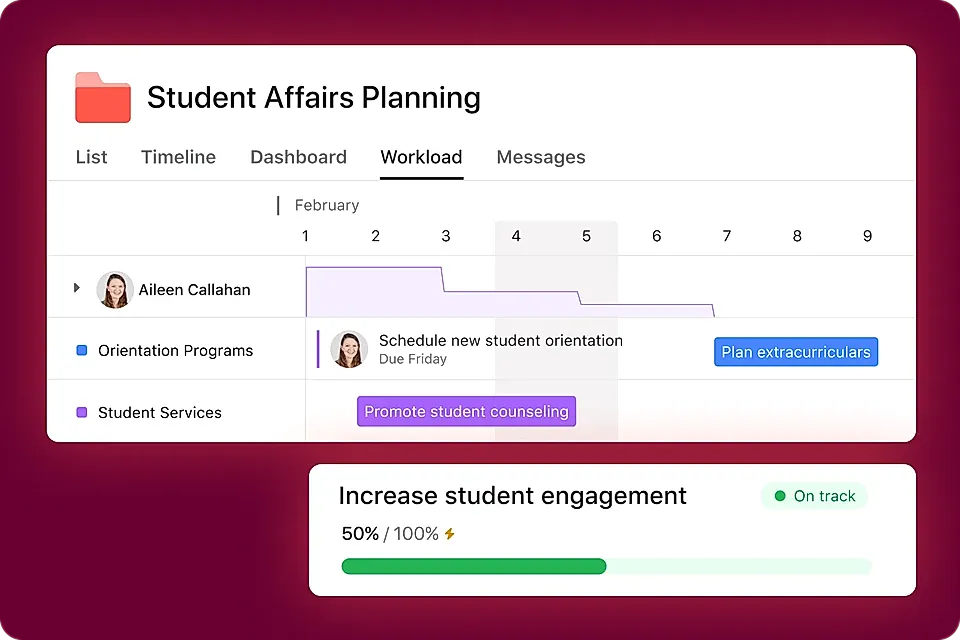
Connect daily work to big goals

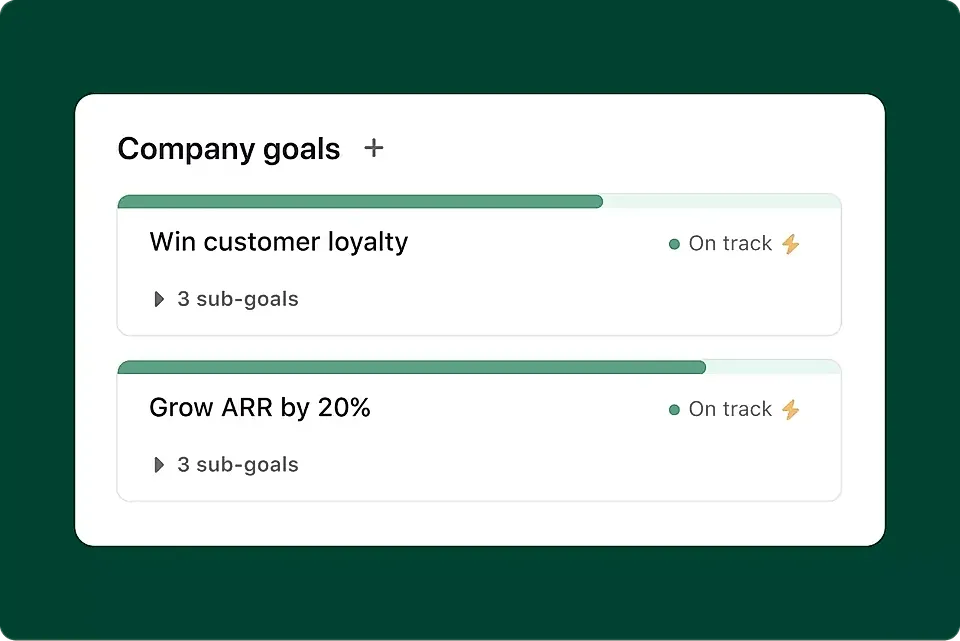
With Trello, tasks can feel isolated. Asana’s Goals feature ties every task to team or company objectives, so everyone knows how their work matters.

Manage Complex Projects Your Way

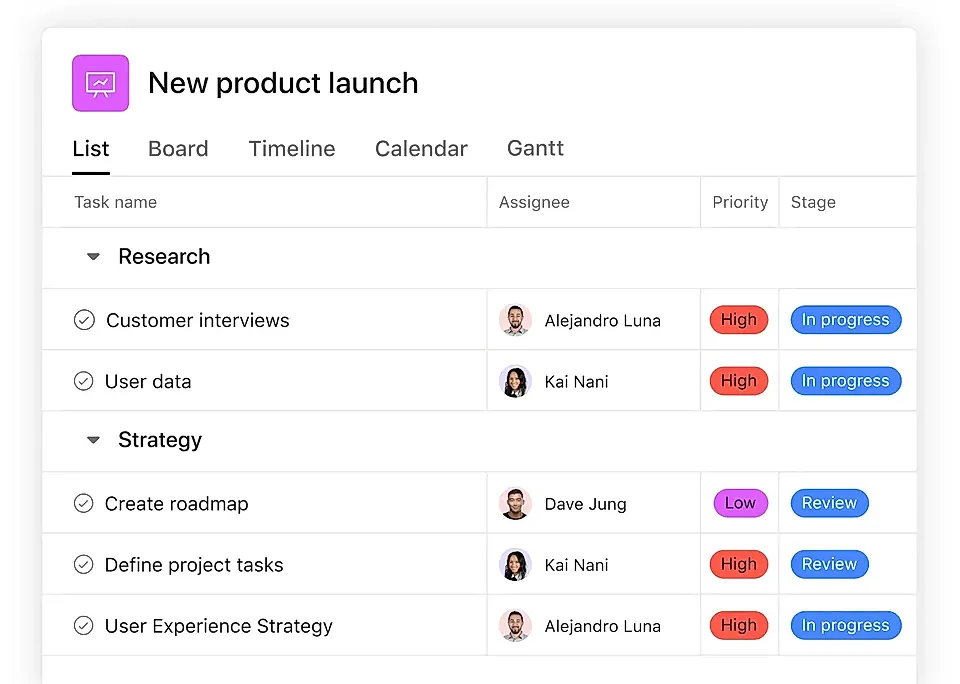
Multiple Project Views

Switch between board, list, timeline, or calendar views so every teammate sees work the way they want.

Built-In Task Dependencies

Track what work depends on what, so your team avoids roadblocks and always knows what’s next.

Subtasks and Recurring Tasks

Break work into smaller steps and set repeating tasks to keep projects moving without anything slipping through the cracks.

Goals Linked to Tasks

Connect every task to team and company goals, so everyone understands the bigger picture behind their daily work.

Advanced Reporting

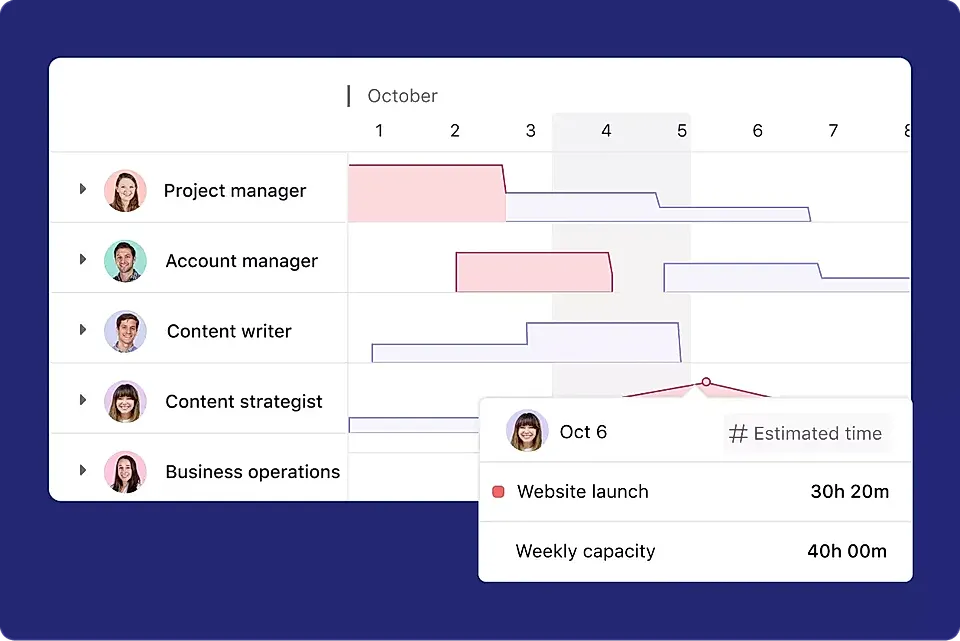
Use dashboards and progress tracking to see where things stand, spot issues early, and celebrate team wins.

Custom Templates

Kick off new projects quickly with ready-to-use templates tailored for your team's most common workflows.

Frequently Asked Questions

What makes Asana different from Trello?

Asana lets you manage projects your way. Unlike Trello, which focuses mainly on boards and simplicity, Asana gives you board, list, timeline, and calendar views, robust task dependencies, and powerful reporting. You get flexibility to handle simple or complex projects, and every team member can work in the view that makes most sense to them.

Can our team switch between boards, lists, calendars, and timelines in Asana?

Yes! Asana empowers you to switch seamlessly between board, list, calendar, and timeline views. Organize your work visually or as a structured list, plan campaigns across timelines, or keep track of key dates—all in one place, without extra integrations or add-ons.

How does Asana help keep projects under control as they grow?

Asana is designed to scale with your projects. You can break work into subtasks, set up task dependencies, automate recurring tasks, and use advanced features like Goals and Portfolios to keep complex projects organized and aligned with your company objectives. Even as your project grows, your workflow stays clear and manageable.

How do we make sure our daily work connects to big-picture goals?

With Asana’s built-in Goals feature, every task and project can be linked to your team or company’s broader objectives. This way, each team member sees how their work contributes to end results. Stay focused on what actually moves your business forward and keep everyone motivated and aligned.

Will our team find Asana easy to use if we’re used to other tools like Trello?

Absolutely. Asana is built to be intuitive, and you can even import projects directly from Trello. Whether your team likes working in boards or lists, Asana’s flexible views and guided onboarding make it simple to get everyone up to speed and productive quickly—no steep learning curve required.

Can Asana handle marketing campaigns, product launches, and cross-functional projects?

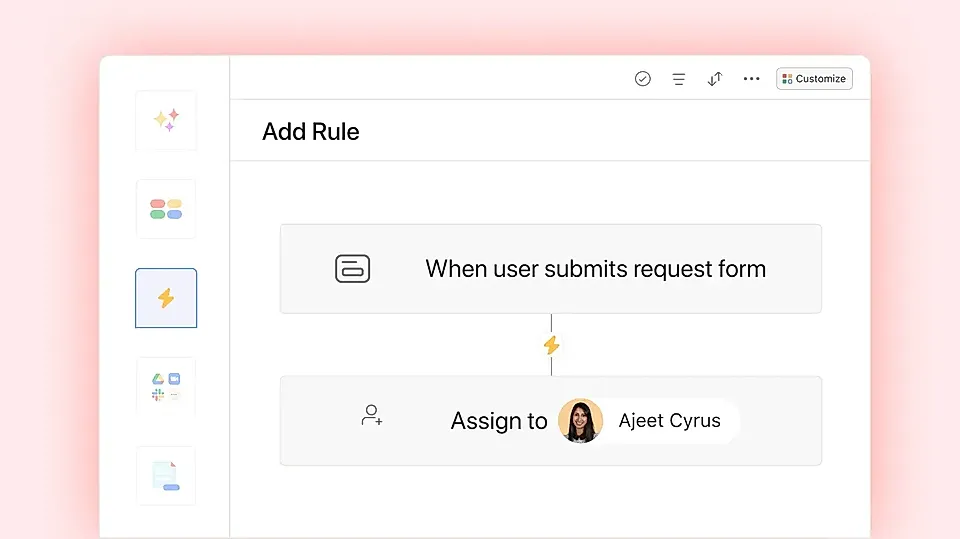
Yes! Asana was built for cross-functional teams managing anything from marketing campaigns to product launches. You’ll get customizable templates, automated workflows, multi-project tracking, and reporting—all built in. Everyone can see what’s happening, who’s responsible, and how it all connects to your company’s success.

Want more than just boards?

Manage complex projects your way—switch views, set dependencies, and keep every task tied to team goals. Don’t let growing work get messy or lose focus.